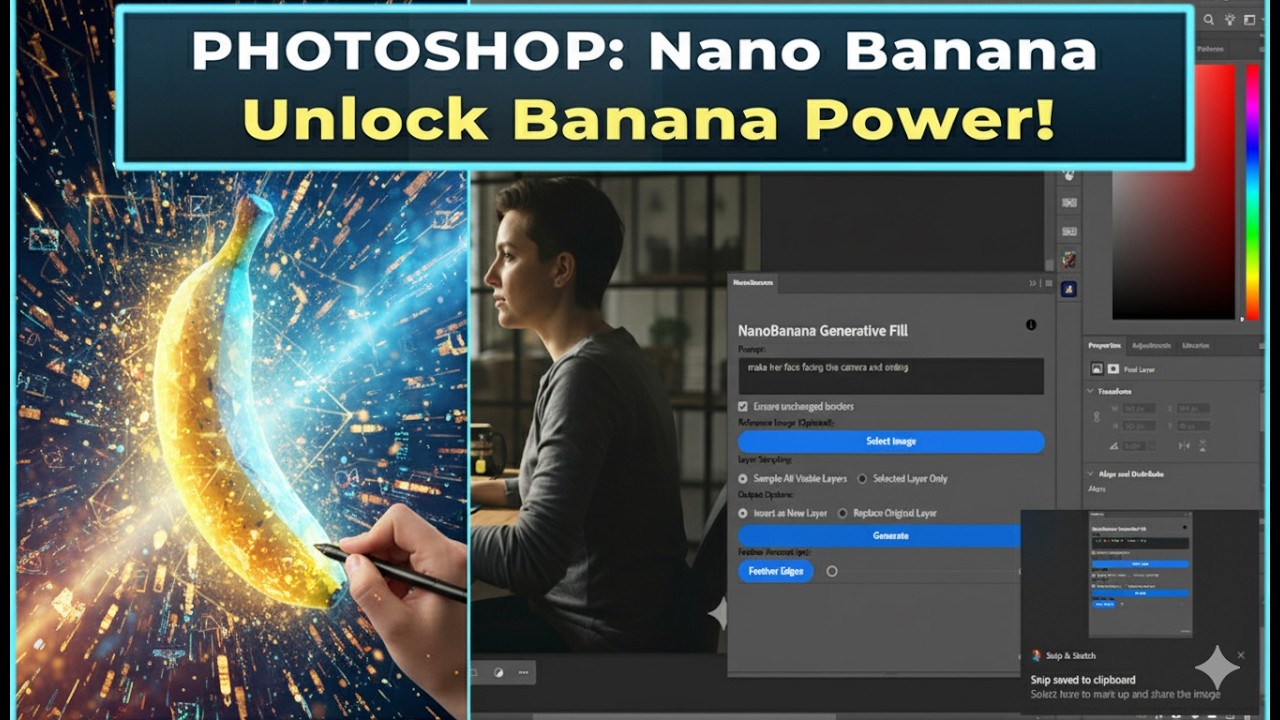
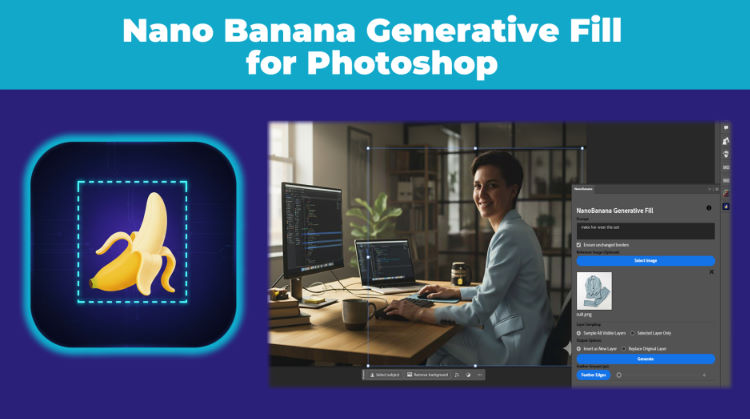
Aescripts Nano Banana Generative Fill for Photoshop v2.3.0

| Program Name | Version |
|---|---|
| Photoshop | CC 2021 + |
Aescripts Nano Banana Generative Fill for Photoshop v2.3.0 – Free Download Plugin
Use Google’s cutting edge Nano Banana model to magically generate and edit images inside Photoshop.
Now supports the new NANO BANANA 2!, with better results, superior text capabilities and higher resolution outputs up to 4K! Nano Banana 2 is, however, available on the paid tier only (or if you enabled the 3-month trial as explained in the Youtube video/instructions file).
This plugin allows you to use the Google Nano Banana image generation model inside Photoshop to generate or edit your images. You can generate for free with no need to spend money on credits. All you need to do is get a free Gemini API Key (https://aistudio.google.com/app/apikey) and paste it into the plugin. The free tier already offers generous limits, and if you need more, simply connecting a payment method will give you a free trial with $300 worth of free credits!
UPDATE: it seems that as of now you must have a payment method connected to your Google account (you don’t actually have to pay anything) to use the free tier. If you’re getting an “exceeded quota” message, then you can click “set up billing” at the far right after you create you API key to connect a payment method. Again, Google won’t charge you unless you manually upgrade to a paid tier or go over the generous free tier limits. You can always monitor your usage from that same page.
IMPORTANT: for Photoshop versions less than 24.4, if you keep getting images unrelated to your original images even after unlocking your layer, then something is likely interfering with your clipboard. Try shutting down any clipboard managing software (including Microsoft Office Clipboard, so shut down any open Word, Powerpoint, etc windows), and reloading the plugin (link at bottom right of the panel).
For More , please type what you want in the search box, choose the category you want to search in, then press “Search”.
Also Check This out :
- Premiere Pro Templates
- After Effects project
- Apple Motion Templates
- DaVinci Resolve Templates
- Motion Graphics
- Sound Effects