Aescripts Subtext V1.0.0 Free Download

| Program Name | Version |
|---|---|
| Premiere Pro | 2023 + |
Aescripts Subtext V1.0.0 – Free Download Plugin
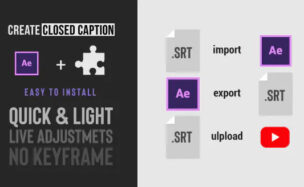
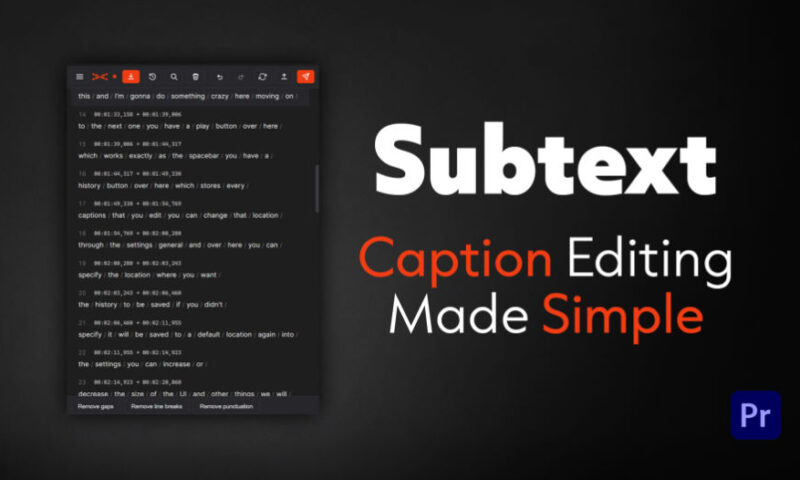
A fast caption editor for Premiere Pro. Import an SRT, clean up the timing and wording, and push it to your timeline.
Subtitling usually means bouncing between a text editor, a subtitle file, and your timeline. Subtext keeps all of it in one docked panel inside Premiere Pro. Import a subtitle file, fix the wording and the timing by clicking directly on the words, then push the finished captions straight onto your timeline. Your captions and files stay on your computer the whole time.
It is built for editors and subtitlers who already have a transcript or an SRT and just need to clean it up and get it onto the timeline quickly.
Edit captions by clicking, not retyping
Fix a word by double clicking it and typing. Split a caption in two by clicking the mark between two words. Merge two lines by clicking the mark at the end of a line. Add or delete a caption anywhere in the list. You shape the whole file by clicking where you want the change, so you are never scrubbing a timeline to find the line you meant.
Clean up a whole file in one pass
Three cleanup buttons act on every caption at once: remove gaps, remove line breaks, remove punctuation. A messy export becomes consistent in a click instead of line by line.
Find and replace across every caption
Search the whole file and replace with match case and whole word options, so a name spelled three different ways gets fixed in one step without touching the words you did not mean.
Push finished captions to your timeline
One button places your captions on a new caption track and files a versioned SRT copy in a Subtext bin in your Project panel, so you always have the exact file you pushed. You can also export an SRT to anywhere on disk.
Make it fit your setup
Scale the whole panel with a UI size control, set your own accent color, and switch to a light theme if you prefer one. Settings persist between sessions.
Jump to any caption on the timeline
Click a caption and Premiere’s playhead moves to it. Turn on Sync mode and the caption under the playhead highlights as the video plays, so you can read along and catch timing that drifts.
Flag lines for a second look
Mark any caption for review and attach a note, then jump between flagged captions. A pass you cannot finish now is waiting exactly where you left it.
Your work is always saved
Sessions save continuously and survive a panel reload, with full undo and redo and a history you can step back through. You will not lose an edit to a closed panel or a misclick.
For More , please type what you want in the search box, choose the category you want to search in, then press “Search”.
Also Check This out :