Aescripts Presets Direct V1.0.0

| Program Name | Version |
|---|---|
| Premiere Pro | 2026 + |
Aescripts Presets Direct V1.0.0 – Free Download Plugin
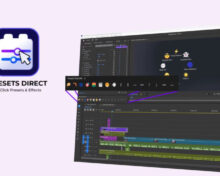
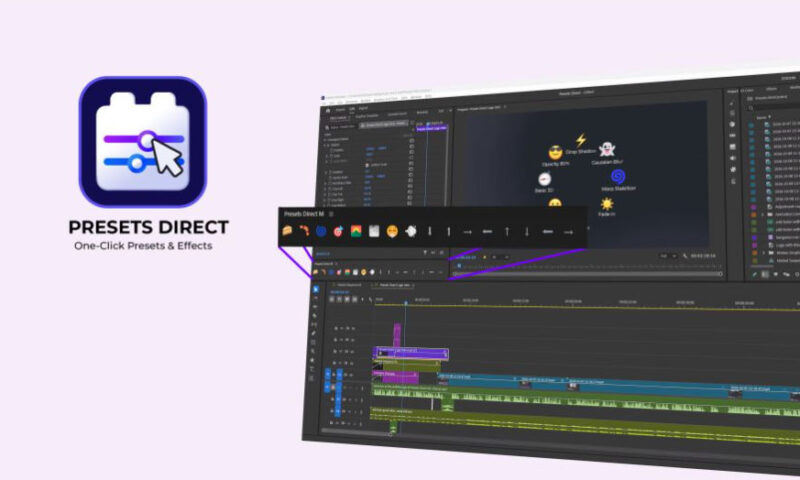
Presets Direct puts your most-used effects, presets and transitions one click away in Premiere Pro. Save your favorites once into the toolbar, then apply them to any clip by one click. No dragging, no searching, no digging through panels and folders.
Search and add
Type an effect, click on it, and it’s saved with its default settings.
Capture from a clip
Save the effects already on a clip, with their values and keyframes (Motion and Opacity included).
Import your presets
Load a .prfpset file and add any custom preset from it. A preset with several effects becomes one favorite.
Effects on an adjustment layer, in one click.
Turn on the adjustment layer button and your video effects go on an adjustment layer above the selected clips instead of on each clip.
You can also mark a single favorite as always applied that way.
Move Motion keyframes onto Transform.
Moves a clip’s Motion animation, keyframes and curves onto a Transform effect, then resets Motion.
With the adjustment layer button on, the Transform goes onto an adjustment layer. Enable it per panel in Settings.
For More , please type what you want in the search box, choose the category you want to search in, then press “Search”.
Also Check This out :