Aescripts InstantLayer 2.6.0 Free Download

| Program Name | Version |
|---|---|
| Premiere Pro | 2026 + |
Aescripts InstantLayer 2.6.0 – Free Download Plugin
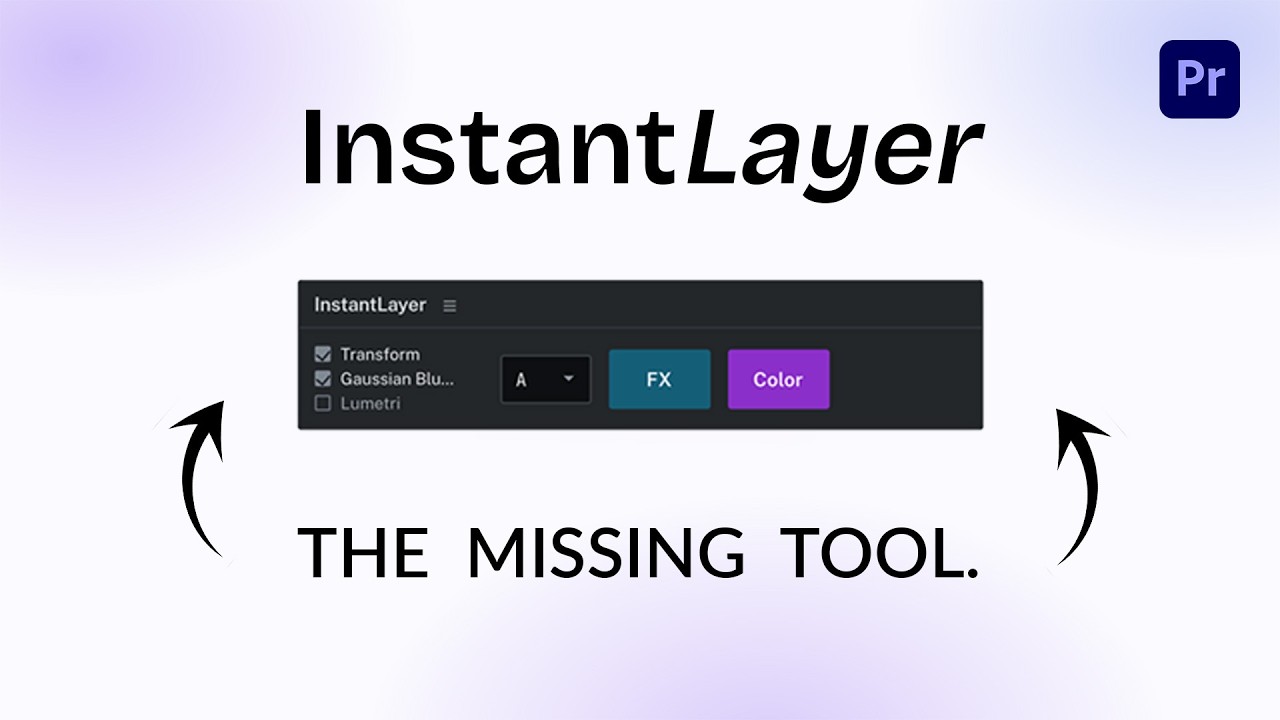
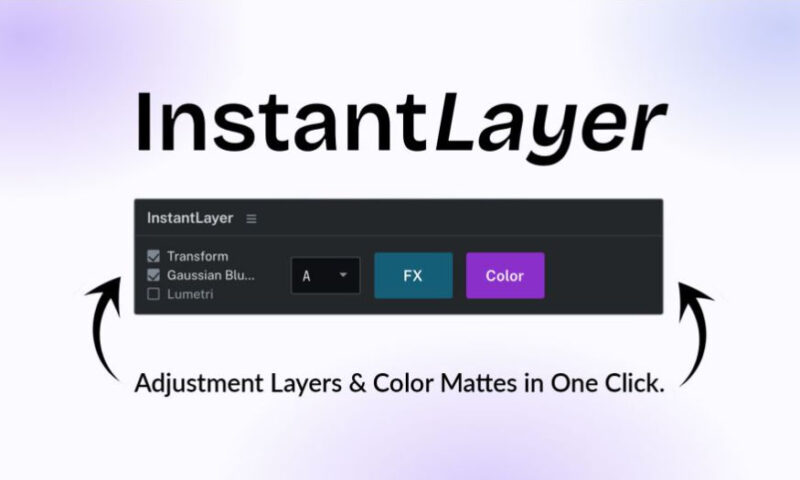
No more multiple clicks and drag & drop to create adjustment layers and color mattes. Select your clips, press the button, done.
Adjustment Layers & Color Mattes in 1 click
With InstantLayer, create and customize your adjustment layers and color mattes much faster and easier.
Select your clips, press one button, and InstantLayer creates layers that are perfectly matched, named, organized, with presets of your choice.
How it works
Select the clips on your timeline, press the InstantLayer button, and your Adjustment Layer or Color Matte appears instantly. Matched, named, and organized. That’s it!
Create Adjustment Layers & Color Mattes in one click
Select your clips, press FX or Color. The layer lands above the selection, at the exact same length.
Shift Click
One layer per selected clip instead of a single layer over the whole selection.
Opt / Ctrl Click
Short layers placed across the cuts. Ready for your transitions.
Customize track targeting
Pick the destination track in the panel. The selected track will be forced.
Add presets and effects automatically
Check the presets you want once. Every layer you create comes out with them already applied.
Cascade Mode / Alignment Mode
Cascade puts each layer on the first free track above its clip. Alignment puts them all on one shared track.
Real layer creation in the bin
Unlike equivalent plugins, InstantLayer creates true custom layers in the bin; there are no pre-loaded templates.
For More , please type what you want in the search box, choose the category you want to search in, then press “Search”.
Also Check This out :
- Premiere Pro Templates
- After Effects project
- Apple Motion Templates
- DaVinci Resolve Templates
- Motion Graphics
- Sound Effects