Ocd (One Click Damage) v2.5.0 For Blender

| Program Name |
|---|
| Blender |
Ocd (One Click Damage) v2.5.0 For Blender – Free Download Blender Plugin
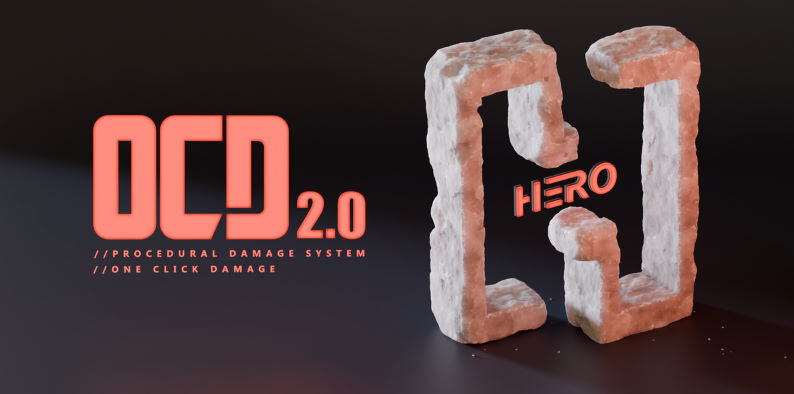
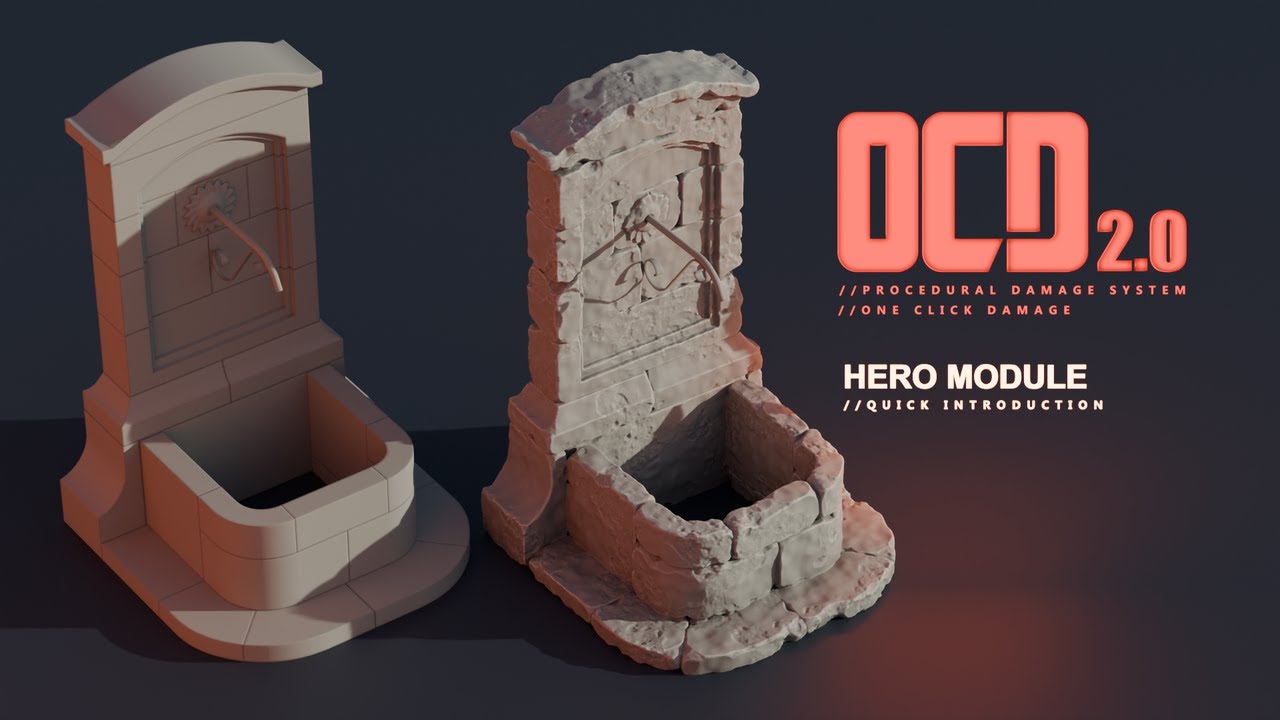
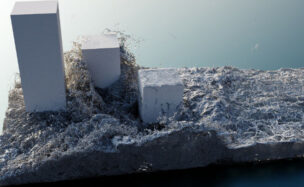
Realism in CGI depends on details—especially imperfections. The OneClick Damage add-on for Blender adds authentic reality to models, from subtle wear on new walls to deep scars in ancient ruins. OCD provides story-telling touches ideal for stone, concrete, wood or brick structures, serving as a shortcut to truly resonant, real-world creations. Make imperfection your asset with OneClick Damage.
New OCD 2.5.0 Features (Blender 4.5+):
- Fully Procedural: Make changes at any time you need.
- Masks: Erase the damage.
- Streamlined Workflow: Easily damage single or complex mesh objects.
- Combine Damage: Add damage as layers with full control.
- Sync Damage: Transfer damage effects between objects for consistent damage or noise types.
- HERO Module: Enhance objects with amazing details.
- Material Assignment: Assign materials specifically to damaged areas.
- Pattern Changer: Switch noise patterns with a single button.
- Simple UI: User-friendly sliders for beginners, plus advanced parameters for professionals.
Legacy Version Features (Full Version):
- HERO Module (new): Adds amazing details to objects.
- Damage Swap: Easily transfers damage effects between objects for consistent damage or noise types.
- QuickFix: One-click automatic error correction for selected objects.
- Smart Scaling System: Compatible with any object and unit scale.
- Smart Pattern Changer: Change noise patterns with a single button.
- Add-on Preferences: Customize “Damage Resolution” and material assignments.
- Multi-Selection Feature: Apply damage to multiple objects simultaneously.
- Instant Visual Feedback: See real-time adjustments on your model.
- Slim UI: Easy navigation with essential sliders.
- Procedural Noises: Offers hundreds of unique damage variations.
- Auto Material Assignment: Smartly assigns materials to damaged areas, with flexibility in material assignment.
- RECALL: Revert changes or apply new ones even days later.
- Procedural Approach: Saves time and effort, allowing easy changes without starting over.
For More , please type what you want in the search box, choose the category you want to search in, then press “Search”.
Also Check This out :
- Premiere Pro Templates
- After Effects project
- Apple Motion Templates
- DaVinci Resolve Templates
- Motion Graphics
- Sound Effects
Download :
Related Posts







© 2018-2026 intro-hd.net All Rights Reserved