Aescripts MeshMorph v1.4

| Program Name | Version |
|---|---|
| After Effects / Premiere Pro | 2024 + |
Aescripts purview – Free Download Plugin
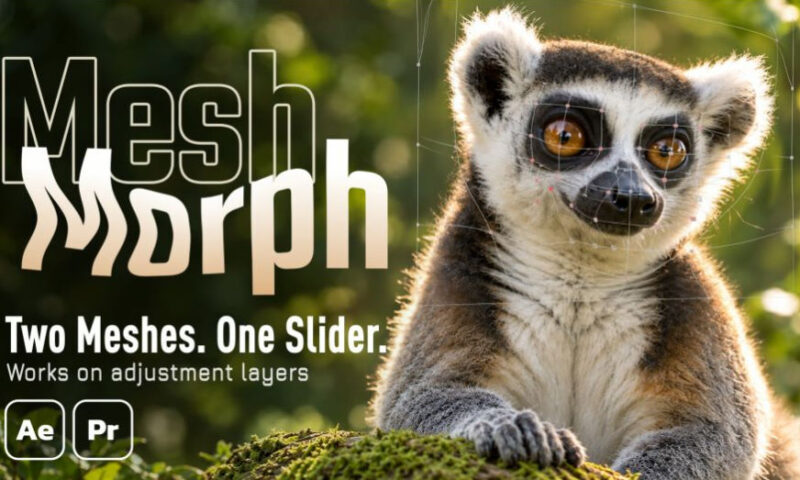
Your adjustment layer is the mesh. Drag the points of a grid to reshape everything underneath, then move, scale, rotate or make the layer 3D and the warp stays attached. Two meshes, one slider: build the finished shape once and Amount blends to it. You can also skip the adjustment layer and apply it directly to a layer, with the same features – on text and shapes, the mesh fits the letters automatically. Works in After Effects and Premiere Pro.
The adjustment layer’s rectangle becomes the working area. Move it like a layer; the warp stays attached. Or apply it directly to the layer you want to warp.
No precomp
- Move, scale, rotate and animate the layer.
- Make it 3D; the mesh follows camera perspective.
- Everything underneath warps.
- Feather the boundary. If the warp stops at the layer’s edge, blend it with Alpha, Displacement, or both.
- Mix and match. Each warp is its own adjustment layer; toggle them to combine warps.
- Or apply it directly. On a footage layer, MeshMorph switches to Custom mode and works inside that layer – the same tools, no extra layer.
For More , please type what you want in the search box, choose the category you want to search in, then press “Search”.
Also Check This out :