Aescripts PreFlight V1.1 Free Download

| Program Name | Version |
|---|---|
| After Effects | CC 2018 + |
Aescripts PreFlight V1.1 – Free Download Plugin
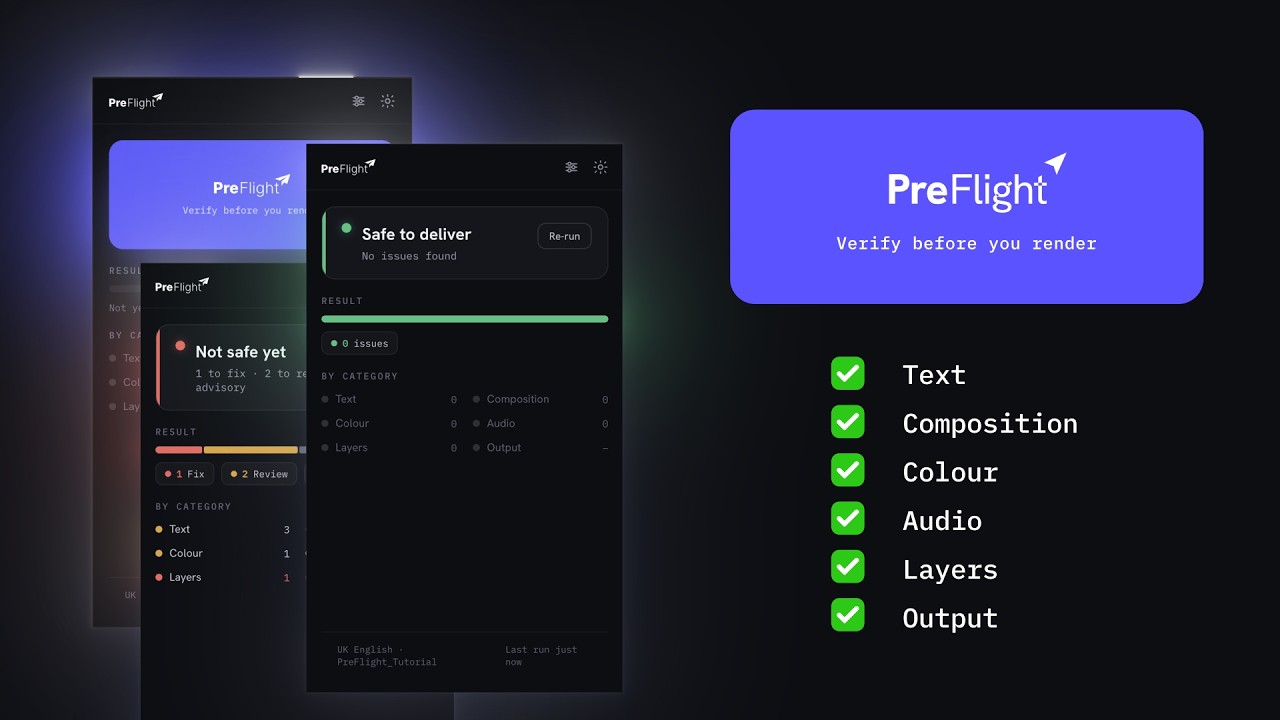
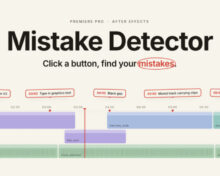
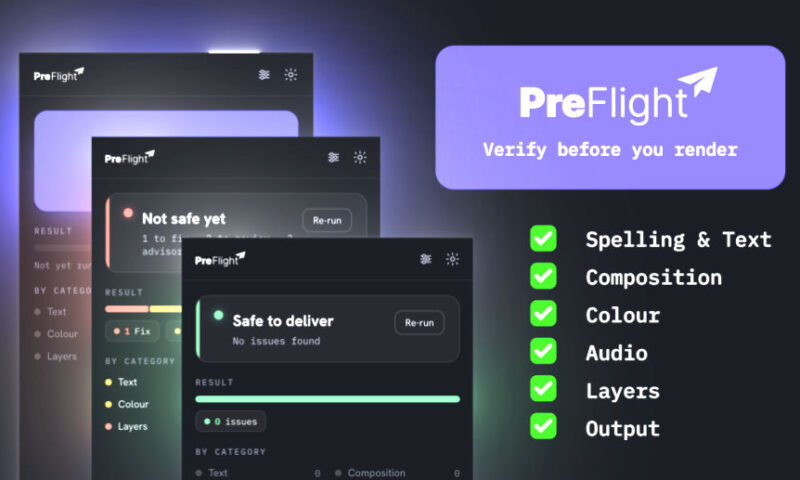
One press before you render: 45 checks catch the typos, solo switches and muted audio that After Effects ships without warning.
The last check before you render. Built for motion designers who deliver client work.
A spell checker tuned for motion graphics, with one-click corrections. Every finding jumps you straight to the offending layer.
The Pain
Everyone makes mistakes. And every motion designer has sent one. The render with a solo switch still on inside a pre-comp, so half the scene silently vanished. The file that played silent because audio was off in the output module. The headline with a typo that survived three rounds of review.
None of these are hard problems. They are small problems that are easy to miss, and After Effects warns you about none of them. So the last step before render is always the same: scrub the timeline, squint at every switch, read every title out loud, and hope.
The Solution
PreFlight replaces that ritual with a button.
Press it, and it walks your comp and every nested pre-comp, runs 45 checks across text, composition, colour, audio, layers and the render queue, and shows you exactly what would have shipped wrong, graded by how much it matters: Fix, Review or Advisory. It is not a cleanup tool and it will not reorganise your project.
Every finding is a link
Click a result and PreFlight opens the comp, selects the layer and parks the playhead where the problem is actually visible, even three pre-comps deep. Fix it, click back onto the panel, and the finding crosses itself off. No re-run, no hunting.
- Jumps to the exact layer, in the exact comp, at a frame where you can see it
- Fixed findings strike through green and collapse on their own
- A banner counts what you have cleared since the last run
- Dismiss anything intentional; dismissals travel with the project file
For More , please type what you want in the search box, choose the category you want to search in, then press “Search”.
Also Check This out :
- Premiere Pro Templates
- After Effects project
- Apple Motion Templates
- DaVinci Resolve Templates
- Motion Graphics
- Sound Effects