Aescripts Gravis V1.2.0 Download Plugin

| Program Name | Version |
|---|---|
| Premiere Pro | 2026 + |
Aescripts Gravis V1.2.0 – Free Download Plugin
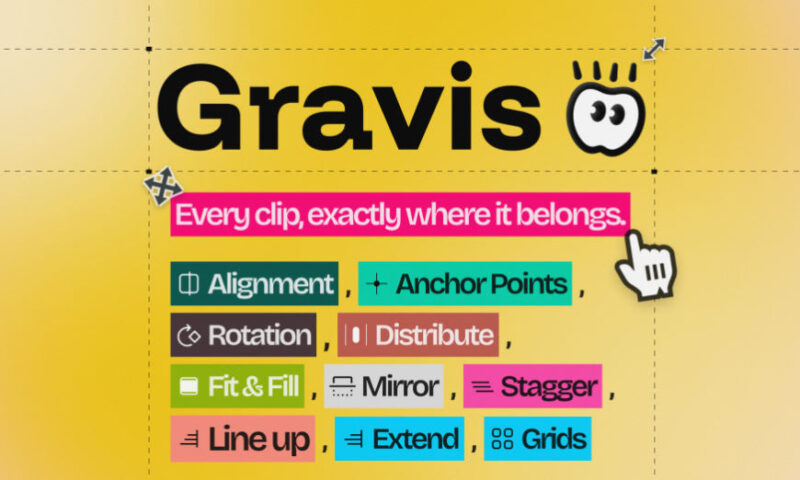
A Premiere Pro panel for the jobs that take too long. Align clips, move anchor points without moving the image, fit, fill and distribute, mirror and rotate. On the timeline, stagger titles and line up starts and ends. Gravis measures the picture as displayed, so rotation and cropping count.
Align, anchor, lay out, zoom and stagger clips in Premiere Pro. A clip goes to the top left corner in one click, and four clips become a split screen in one more.
Premiere has no align.
Centring a clip means doing arithmetic on the Position field, moving an anchor point shifts the whole clip out from under you, a split screen means cropping and scaling every clip by hand, and cascading a stack of titles means dragging every one.
One panel. Two tabs.
Arrange holds Align, Anchor point, Frame, Transform and Timeline. Layout, new in 1.2, turns a selection into a grid or a split screen. Everything works on the clips you have selected.
Align anything, exactly where you want it
Align clips to the sequence frame, to your selection, or to each other. Move one clip or an entire layout without losing the spacing you’ve already set up.
Move the anchor point, not the clip
Choose any of nine anchor positions and Gravis keeps the picture exactly where it is. The grid also shows where your clips’ anchors already sit, so an inconsistent layout is obvious before you animate it.
For More , please type what you want in the search box, choose the category you want to search in, then press “Search”.
Also Check This out :