Superhive Market RetopoFlow 4.3.0 for Blender

| Program Name | File Size |
|---|---|
| Blender | 13.2 Mb |
Superhive Market RetopoFlow 4.3.0 – Free Download Plugin
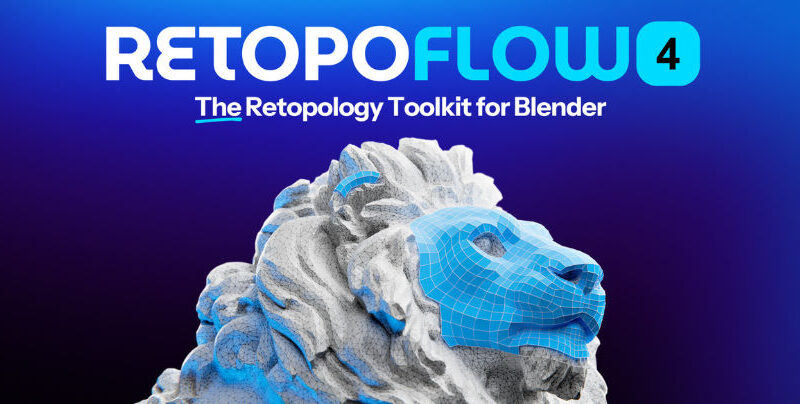
Quality retopology is essential for efficient rigging, animation, texturing, and even rendering, but we also know from years of experience that it can often be a tedious chore. That’s why, since 2013, we’ve set out to do something that few thought was even possible – make retopology actually fun! 😀
The tools in Retopoflow are designed to be used by artists (especially with a tablet!) and make good topology practices, like evenly spaced quads, the default rather than the exception.
Work right in Edit Mode
Version 4 is a complete rewrite of Retopoflow that places the tools in Edit Mode right alongside Blender’s tools and your other add-ons. And they’re blazing fast.
Entering a Retopoflow tool sets up snapping, auto-merge, selection, the retopology overlay, and more for you, and switching to any other tool puts all your settings back. It’s an instant retopology mode you can jump in and out of at any time, while still having access to all your favorite Blender tools and hotkeys. Retopoflow even backs up your work while you’re in Edit Mode, since Blender’s auto-save only works in Object Mode
Already tried an auto-remesher?
Auto-remeshers are great for a quick base. Where they struggle is anything that needs be perfectly optimized or to bend, such as characters or hero props. Plenty of artists use both. Auto for a first pass, then Retopoflow to clean up any objects that need focused attention.
Retopoflow’s helper operators work on any mesh in Edit Mode too outside of retopology, so you can relax, auto-fill, even out, and twist the loops of an existing base without starting over.
With Contours, you can quickly place and adjust loops around any cylindrical form. Just hold Ctrl and left click drag, and a loop will wrap around the high poly surface. You can adjust the number of vertices in the new loop by scrolling.
In the example above, the loop wraps perfectly around the finger even though there are several fingers overlapping in the view. Contours gets it right where other tools routinely fail because our advanced algorithm walks the loops around the mesh instead of using a simple shrink wrap or screen space approach. Our new SDF method can even handle flipped normals, split edges, and overhangs, as well as snap to the curvature of hard surface objects.
For More , please type what you want in the search box, choose the category you want to search in, then press “Search”.
Also Check This out :