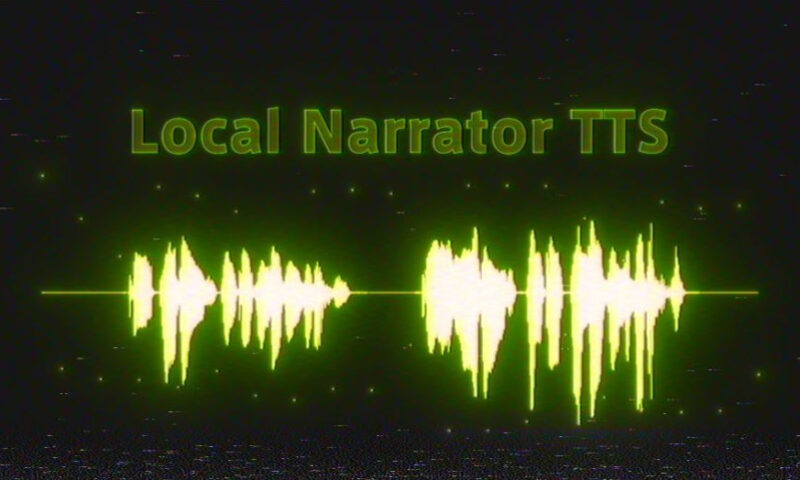
Aescripts Local Narrator TTS v2.1.1 Free Download

| Program Name | Version |
|---|---|
| Premiere Pro | 2026 + |
Aescripts Local Narrator TTS v2.1.1 – Free Download Plugin
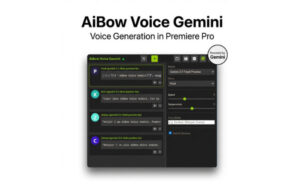
Generate narration locally on your Mac or Windows PC using a reference voice and its exact transcript, then insert the WAV directly into your Premiere Pro timeline. For Premiere Pro 25.6+ on macOS and Windows. Internet is required for setup and licensing.
Turn a line of text into a WAV using your own reference voice. Generate it on your Mac or Windows PC and place it directly on an audio track.
1. Set your voice
Choose a clean reference WAV and enter exactly what is spoken in that clip. Keep the reference and narration in the same language.
2. Write the line
Enter a short sentence. Choose an audio track and insert at the playhead, at a time in seconds, or at the end of the sequence.
3. Listen in context
Generate the WAV and insert it from the panel. Play the clip with your edit, then revise the text or generate another take as needed.
What you get
- A Premiere UXP panel with English and Japanese interface options.
- The local Qwen3-TTS engine with macOS and Windows setup.
- Reference voice and transcript controls.
- WAV generation and insertion on your chosen audio track.
- A default output folder beside your project, or a folder you choose.
For More , please type what you want in the search box, choose the category you want to search in, then press “Search”.
Also Check This out :