Aescripts CropBox v1.0.0 Free Download

| Program Name | Version |
|---|---|
| After Effects | 2024 + |
Aescripts CropBox v1.0.0 – Free Download Plugin
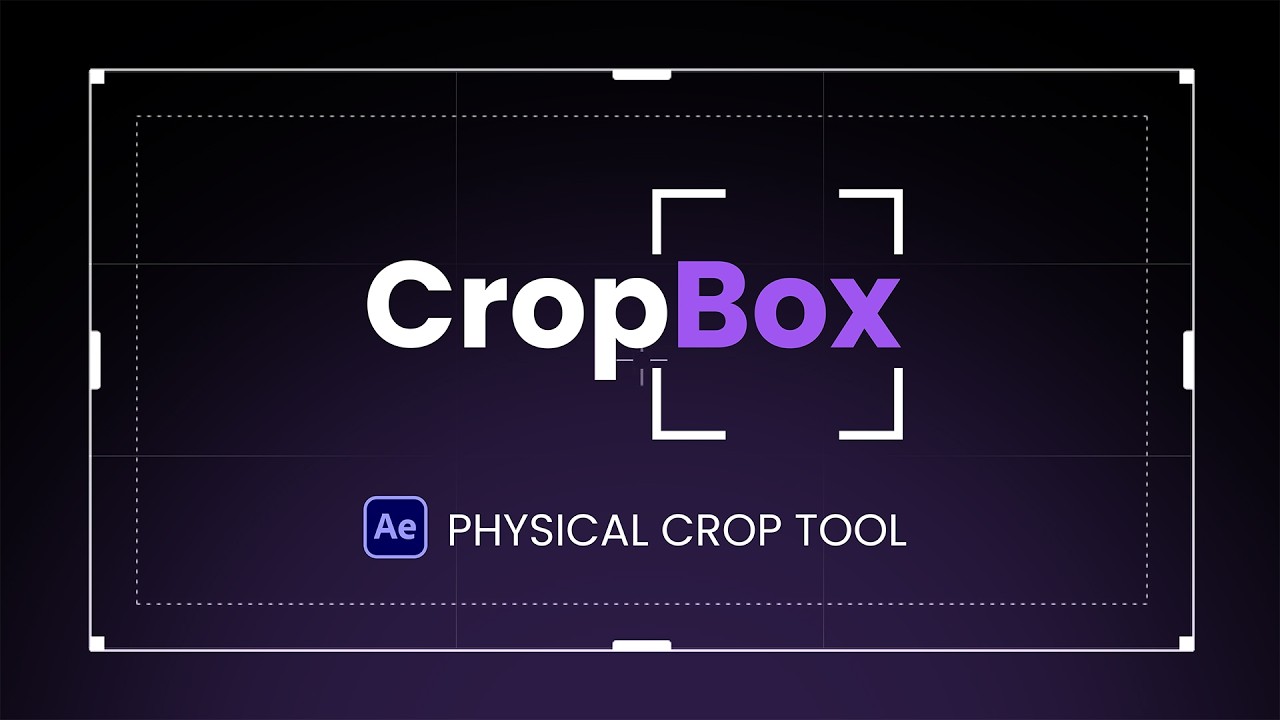
CropBox is a fast, intuitive After Effects tool for visually cropping compositions with adjustable handles, precision snapping, margins, and aspect-ratio controls.
CropBox for After Effects gives you a faster, more intuitive way to crop your work without repeatedly adjusting composition settings, entering dimensions, or calculating offsets.
Simply drag the frame and handles directly in the Composition panel to define the area you want to keep. CropBox provides real-time visual feedback and precision controls, helping you frame your content quickly and accurately.
Drag. Frame. Crop.
- Resize the crop area using interactive on-screen handles
- Reposition the frame directly in the Composition panel
- Double-click inside the frame to crop
- Lock the frame to prevent accidental size or position changes
- Use a customizable grid and center crosshair for more precise framing
Smart Snapping for Precise Results.
CropBox can automatically snap the crop frame to:
- Composition edges
- Layer edges
- Custom pixel margins
Adjust the snapping distance to control how close the frame must be before it locks into place.
Margins You Can See.
Set a custom margin distance in pixels and display it directly inside the crop frame as a visual guide.
Enable margin snapping when you want the frame to snap precisely to that boundary, or leave it off and use the margin only as a framing reference.
Common Aspect Ratios Built In.
Quickly frame your content using commonly used aspect ratios, including:
- 16:9 for standard widescreen video
- 9:16 for vertical and social media content
- 1:1 for square formats
- 4:5 for portrait social media posts
You can also work freely when a fixed aspect ratio is not needed.
Crop It Your Way.
Choose how CropBox handles the finished result:
- Crop the original composition
- Create and crop a duplicate
- Crop to a selected layer
- Create a new composition from the cropped area
CropBox automatically opens the resulting composition so you can continue working without interrupting your workflow.
Customize the Look.
Adjust the frame color and opacity to keep CropBox clearly visible against any type of footage or design.
The outside overlay makes it easy to see exactly what will remain after the crop and what will be removed.
Less Calculating. More Creating.
Whether you are reframing a composition, preparing multiple aspect ratios, or cropping tightly around a layer, CropBox turns a repetitive technical process into a fast, visual workflow.
For More , please type what you want in the search box, choose the category you want to search in, then press “Search”.
Also Check This out :
- Premiere Pro Templates
- After Effects project
- Apple Motion Templates
- DaVinci Resolve Templates
- Motion Graphics
- Sound Effects