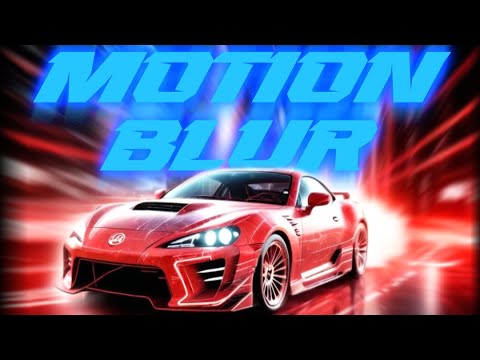
Ultra Motionblur Plugin V2.0


| Program Name |
|---|
| DaVinci Resolve |
Ultra Motionblur Plugin V2.0 – Free Download DaVinci Resolve Plugin
-You also get lifetime updates and support for this Plugin
HOW TO USE?
- Just doubble click the DRFX file
- Open DaVinci Resolve
- Click on Install
- Go to Effects Libary (If you can’t see it: restart DaVinci Resolve)
- Search for CarVinci Ultra MotionBlur Plugin
- Drag and Drop on your clip
- Adjust the MotionBlur Strength
- adjust the Curve how you want
- Done!!!
For More , please type what you want in the search box, choose the category you want to search in, then press “Search”.
Also Check This out :
- Premiere Pro Templates
- After Effects project
- Apple Motion Templates
- DaVinci Resolve Templates
- Motion Graphics
- Sound Effects
Download :
Related Posts :





Tags :












© 2018-2025 intro-hd.net All Rights Reserved
