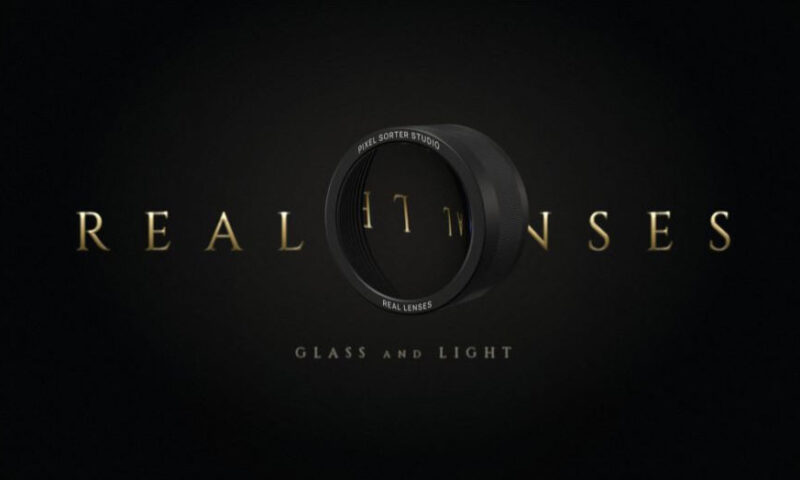
Aescripts Real Lenses v1.0.0 Download Plugin

| Program Name | File Size |
|---|---|
| After Effects / Premiere Pro / Davinci Resolve | 29.5 Mb |
Aescripts Real Lenses v1.0.0 – Free Download Plugin
Real raytraced glass and lenses in front of your footage, for Premiere Pro and DaVinci Resolve as much as After Effects. Give it a depth pass and the bokeh and the glass distortion follow the real depth of your scene. Crystal balls, magnifiers, reeded glass, real lens designs. GPU, Nuke too.
Real Lenses puts a real piece of glass in front of your footage. The light is traced through it, so you get refraction, reflections, distortion and colour fringes the way a real lens makes them.
Float a crystal ball in the shot, hold a magnifier to a face, or bring the glass right against the camera for a VR or fisheye look. Pick the shape, the glass (crown, flint, fused silica, diamond, water) and move it in 3D. The housing, coating and wear are traced with it.
Give Real Lenses a depth pass and your shot stops being a flat picture. Every pixel sits at its real distance, so the lens works on a 3D scene: the microphone in front of the singer melts into bokeh while the singer’s face stays sharp, the blur grows with distance, and glass bends near and far objects by different amounts, the way it bends a real room.
Use the Z pass of a 3D render, Quick Depth in After Effects, or Resolve Studio’s Depth Map. White can be near or far, or a disparity map, with the near and far distances in metres. In After Effects and Premiere Pro it is the Depth Layer; in DaVinci Resolve and Nuke, the effect’s Depth input.
Remove the glass and the camera does the work. An ideal lens, or real designs (Double-Gauss, Cooke Triplet, Petzval, Retrofocus, Telephoto) with their own aberrations. Defocus asks for the blur you want, whatever the lens. With a depth pass, your subject stays sharp while the background falls apart.
Premiere Pro and Resolve
Real Lenses is as much at home on an editing timeline as in a comp. In Premiere Pro it sits in Effect Controls with every preset; in DaVinci Resolve it is an OpenFX effect on the Edit, Color and Fusion pages, with the depth pass on its own input. Same raytracer, same presets, same result in every host.
Edits stay fluid: renders are cached and shared between Premiere’s playback threads, so the timeline can play back in real time at low sample counts, and a slider you drag updates the frame you are looking at first. Preview Samples keep reduced-resolution playback light; the full Samples count is used for the final render.
For More , please type what you want in the search box, choose the category you want to search in, then press “Search”.
Also Check This out :